How to change the cover photo on a TikTok slideshow.
The cover is the photo people see on your profile before they tap. Here is how to pick it before posting, what you can still change after, and what 1,332 viral slideshows put on slide one.
Making slideshows for an app? Type it and get three slideshow ideas, covers included, in about 20 seconds. Free, no sign-up.
Updated 26 October 2026
To change the cover photo on a TikTok slideshow, select the photo you want as the cover first when you pick your photos: in photo mode the first photo is the cover. On the post screen, tap the thumbnail (Edit cover or Select cover, where your version shows it) to choose another photo or add cover text.
After posting, some accounts get Edit post on recent posts; otherwise the only sure fix is to delete and repost. New to photo mode? Start with how to make a slideshow on TikTok.
Change the cover before you post.
The same on iPhone and Android. Button names change between versions, so look for the cover thumbnail.
-
Select the cover photo first
Tap +, then Upload, turn on Select multiple and tap the photo you want as the cover before any other. The order you tap is the order of the slideshow, and the first photo becomes the cover.
-
Tap the cover on the post screen
After you tap Next, the post screen shows a small thumbnail of the cover next to the title. If your version labels it Edit cover or Select cover, tap it.
-
Pick the photo and add cover text
Choose the photo people should see first. A cover title, where offered, shows on your profile grid only; text added to the photo with Aa shows everywhere (see adding text to a slideshow).
-
Check the crop, then post
Your profile grid shows a shorter crop of the cover, so keep text away from the top and bottom edges. Save the cover, then tap Post, or Drafts to finish later.
Switched to video mode?
Then Edit cover shows a filmstrip: drag to the photo you want and add text if you like. Some versions also let you upload a separate image. See slideshow auto swipe for when video mode makes sense.
Changing the cover after posting.
TikTok rolls editing out unevenly, so what you see depends on your account, the post and your app version.
What you may be able to change
- The caption and hashtagsMany accounts have Edit post in the ••• menu of a recent post. Views and comments stay.
- The cover, on some postsSome users get Edit cover inside Edit post. Reports mostly describe videos; on photo slideshows it is often missing.
What you can't change
- The photos or their orderA posted slideshow keeps its photos and their order.
- Older postsEditing is reported to work only on recent posts, roughly the last week.
- The sure fixDelete the post and post again with the right cover first. Views and comments start from zero, so only do it to a post that hasn't taken off.
Checked October 2026. TikTok hasn't published a help article on slideshow covers, and guides disagree on the details, so check the ••• menu on your own post.
Why the cover matters on your profile grid.
In the feed, slide one is your hook. On your profile, covers sit side by side, and a visitor decides in a glance whether to follow.
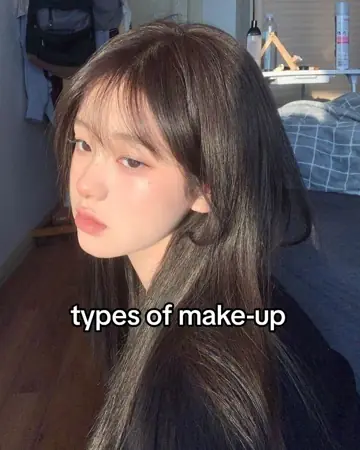 7.2M
7.2M
 2.1M
2.1M
 26M
26M
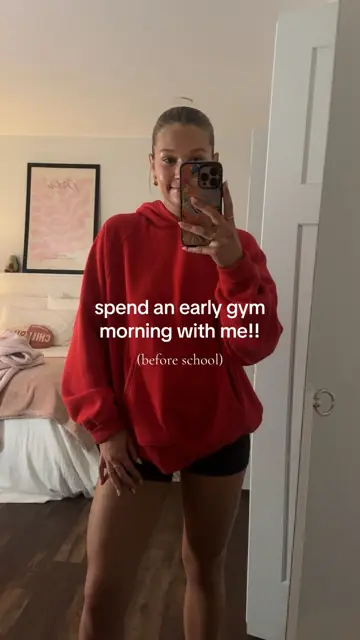 4.4M
4.4M
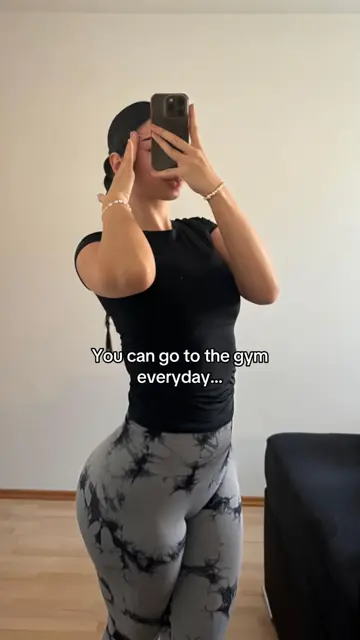 11M
11M
 14.6M
14.6M
 3.2M
3.2M
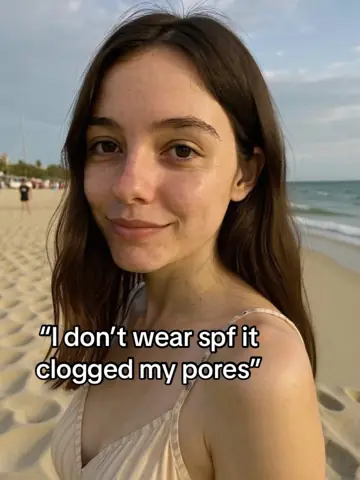 3.1M
3.1M
 3M
3M
 1.6M
1.6M
 7.4M
7.4M
 696K
696K
 5M
5M
 4.7M
4.7M
 1.5M
1.5M
 1.7M
1.7M
 2M
2M
 1.6M
1.6M
Every one a hit. Very different first impressions.
Every cover in both grids went viral on its own. Someone who arrives from one good post scrolls your grid to see if there's more of the same. If the covers look like one person with one topic, the answer is yes.
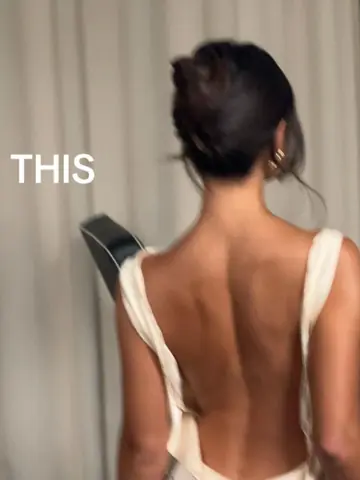
A face, one line of white text in the middle, the same phone-photo look. You know what the account posts before reading a word.
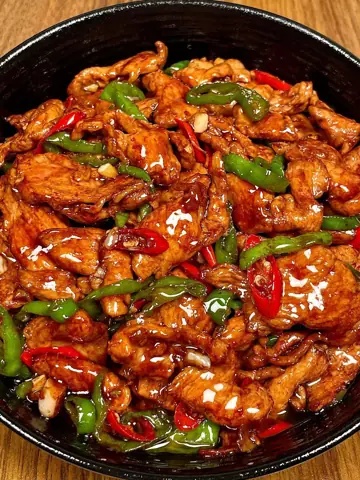
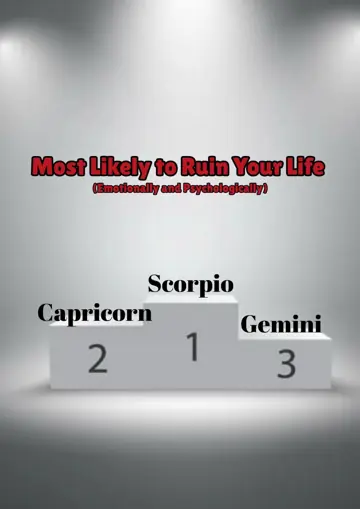
A food photo, a puppy, a podium, a desk. Each worked in the feed; together they read as a repost page.
Real slide-one covers from 18 viral slideshows in the ClonBot library, from different accounts, with their real views. The profile is a mock-up.
What makes a good slideshow cover.
We looked at slide one of all 1,332 viral slideshows in the ClonBot library: the photo, the hook and how the text was set.
Cut off in the grid▶ 4.4MCut off in the grid
A full-screen photo loses its top and bottom edges in the 3:4 grid tile, and the view count covers the bottom-left corner.
Put the hook in the middle
Where the hook's position is described (224 formats), 51% centre it, 30% put it near the top, 19% near the bottom. The middle survives every crop.
Readable beats big
Small cover text is as common as big (155 against 141 formats where size is described). What most share is contrast: 74% use a box, outline, shadow or highlight.
Write it like a person, not a headline
52% of covers use sentence case, 30% all lowercase, 7% all caps. Lowercase covers were saved 3.8% of the time, all-caps ones 3.1%.
A face is optional
By a rough read of the photo descriptions, a third of covers show a face, 18% a hidden face or POV, a third objects or places, 14% text cards. Median views barely differ (3.4M to 3.8M); face-hidden covers were saved more, 4.1% against 3.2%.
Keep the words few
Slideshows with over 10M views (208) have a median of 6 words on the cover; those under 1M (140) have 10. More in our guide to TikTok hooks.
Four covers that follow the pattern. Tap one to swipe through it.
Common cover problems and how to fix them.
There's no cover option
Some versions don't show Edit cover for photo posts. Go back and reselect, starting with the cover.
The cover text doesn't show in the feed
A cover title is for your profile grid. For words in the feed too, put them on the first photo with the text tool.
Text is cut off on my profile
The grid crops the cover to a shorter tile. Move text toward the middle, or use 3:4 photos (1080 × 1440).
The cover looks blurry
Use photos at least 1080 pixels wide; TikTok compresses them again when you post.
My covers all look different
Keep one kind of photo and one text style. Making slideshows for an app? ClonBot keeps one creator across every post.
Questions about slideshow covers.
How do I change the cover photo on a TikTok slideshow after posting?
Open the post, tap ••• and look for Edit post. If it shows Edit cover, pick a new cover and save. Many accounts don't get this for photo slideshows, or only for recent posts; otherwise, delete and repost with the right photo first, which resets views.
Why can't I change the cover of my slideshow?
In photo mode the first photo you selected is the cover, and not every version has a cover picker for photo posts. Reselect starting with the cover, or use video mode, where Edit cover lets you pick any frame.
How do I choose the cover photo on a TikTok slideshow on iPhone?
Same as Android: tap the cover photo first when selecting multiple photos, then check the thumbnail on the post screen.
Can I add text only to the cover?
Yes. Text on the first photo shows in the feed and on your profile; a cover title, where offered, shows on your profile grid only.
Does the cover affect views?
Slide one is your hook in the feed, and on your profile covers decide whether a visitor taps more posts. In our library, posts with over 10M views had a median of 6 words on the cover.
Keep reading
Covers that match, every post, without the guesswork.
ClonBot remakes viral slideshows for your app with one consistent creator, the hook kept from a format that already worked, and your real app screens inside the story.
Setting up your app and creator is free. Plans from $99 a month for 60 posts.