TikTok slideshow automation that works the night shift for your app.
TikTok slideshow automation with ClonBot means you don't make posts anymore, you approve them. Every night it builds the slideshows for the day after tomorrow from formats that already went viral, and posts them at your times with a trending sound.
Free, no sign-up. See three slideshows autopilot could make for your app, in about 20 seconds.
One day on autopilot, and the minute that's yours.
Posts are always built two days ahead, so there is a full day between "made" and "posted" for you to look. Tap through a Wednesday for an account posting twice a day.
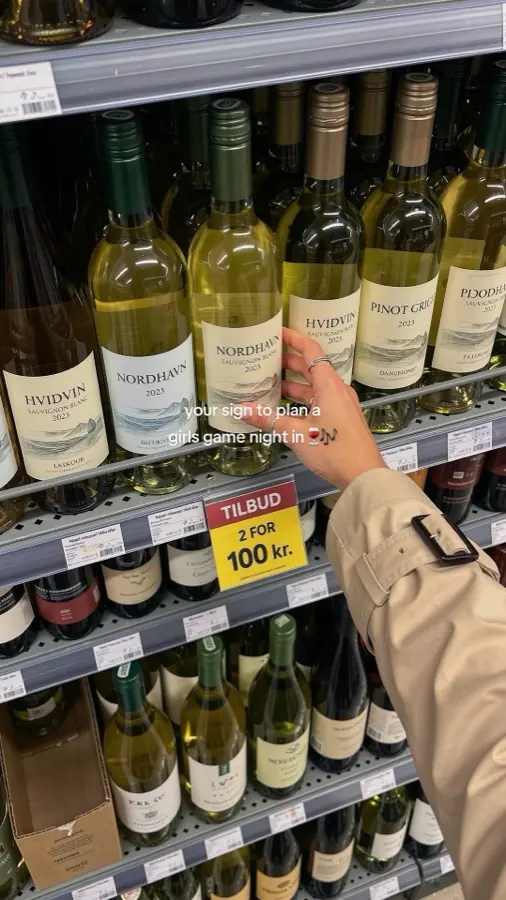
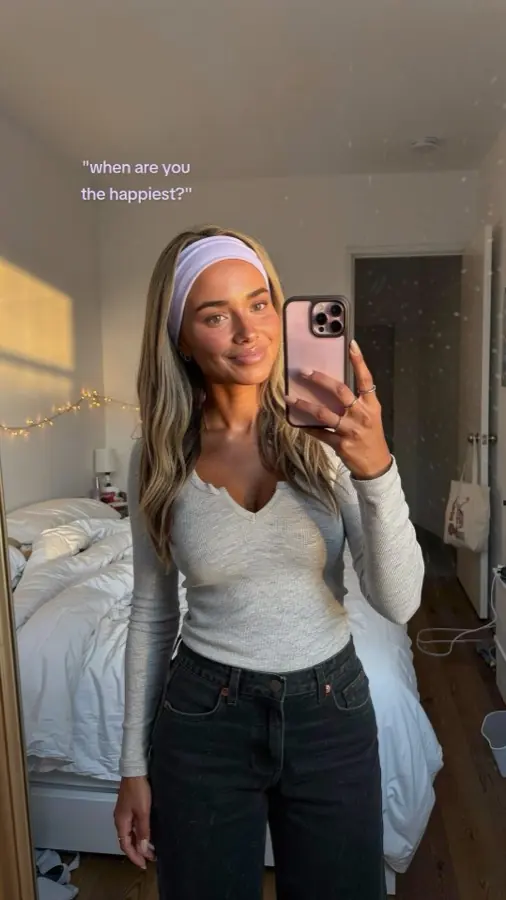
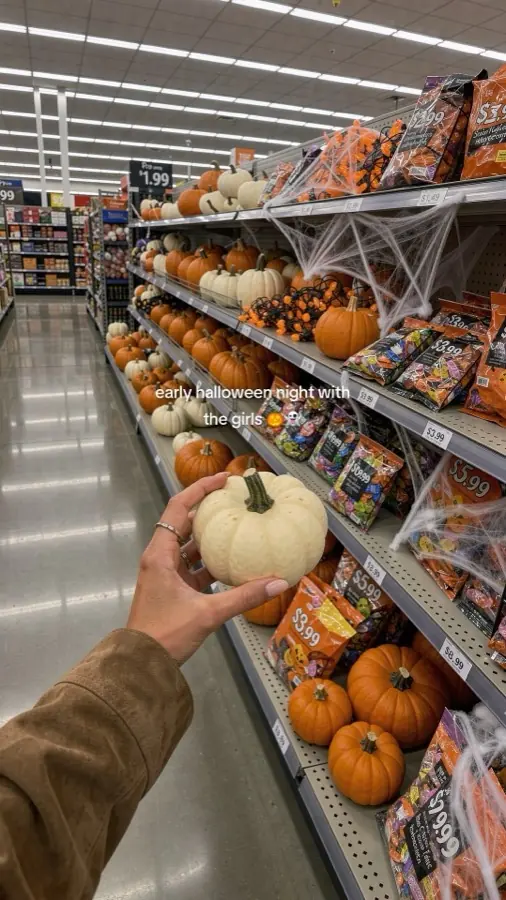
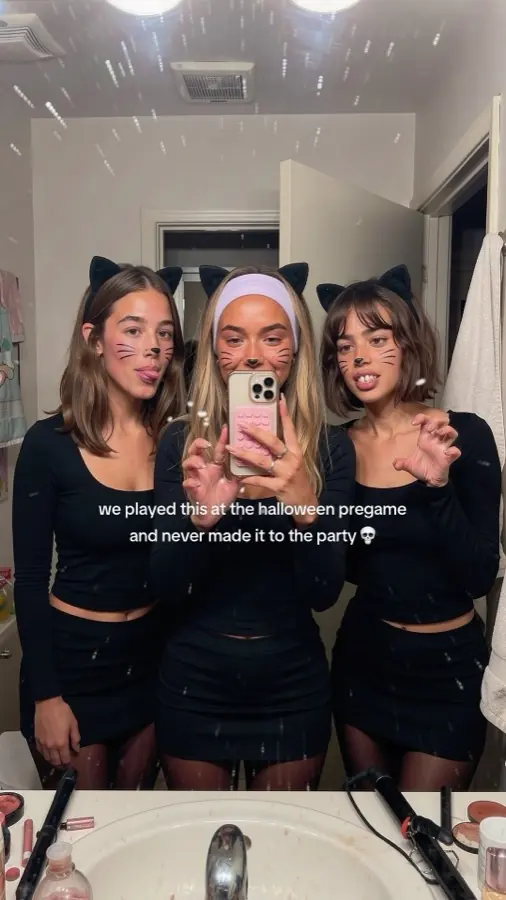
Tuesday night. Autopilot picks two formats for Thursday, writes a new story around your app for each, makes the photos with your creator and your real app screens, then adds the text, caption and a trending sound.
Mon26
Tue27
Wed28
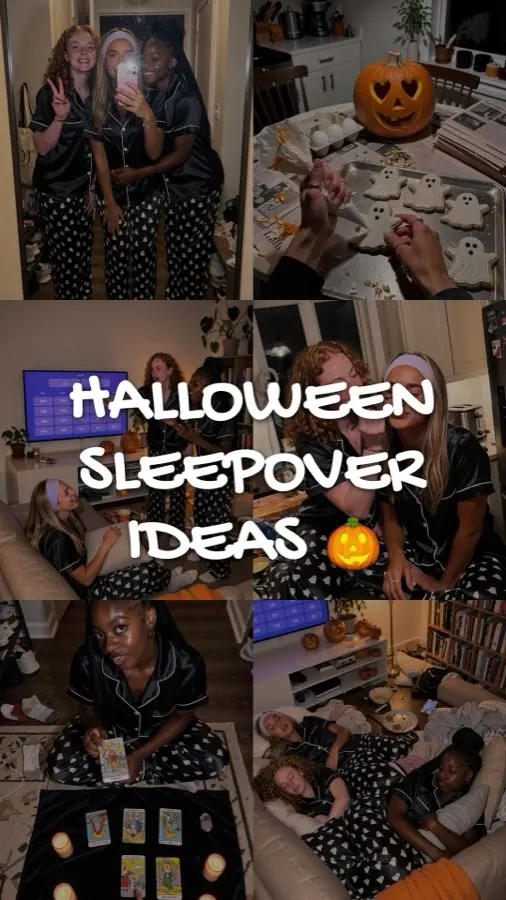
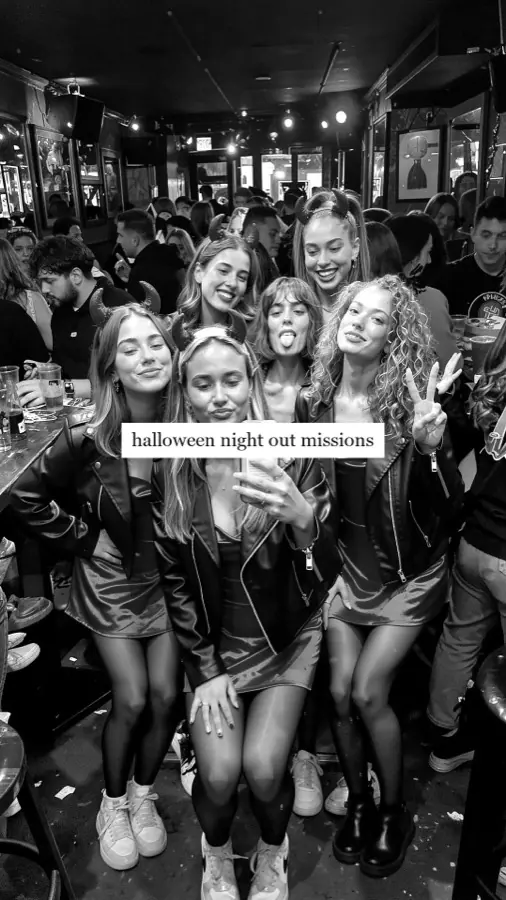
Thu29
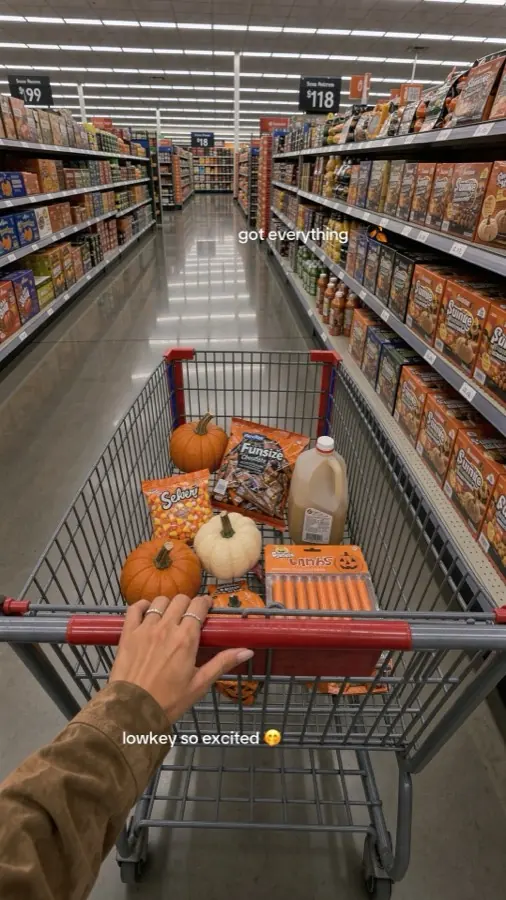
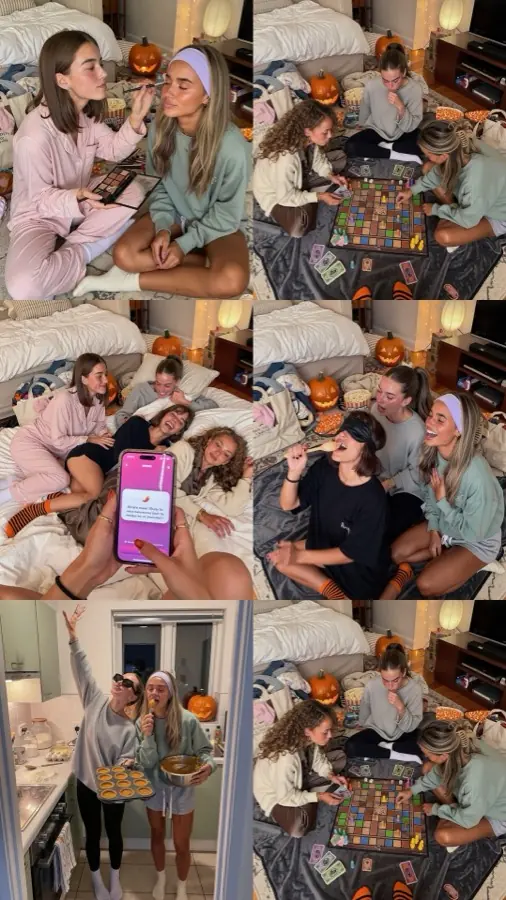
Fri30
Sat31
Sun1
- Posted
- Approved and scheduled
- Waiting for you
- Being built
- Not built yet
The account in this demo is Maya's, for Dronk, our own party game app. Your times, your creator, your app.
TikTok slideshow automation, the DIY way and ours.
If you search for this, you'll find n8n tutorials that chain a spreadsheet, a language model, an image API and a scheduler. It can work. Here is where those chains tend to break, and what ClonBot does at each step.
A DIY workflow
n8n or Make, plus APIs- A sheet of hooks
You write the ideas. After a few weeks the same twenty hooks come round again.
- A model writes the slides
Text that reads like it came from a prompt, with no slide rhythm to follow.
- An image API makes photos
A different face on every slide, and your app is a drawn-on rectangle, not real screens.
- A script adds the text
Fonts, line breaks and safe areas need fixing whenever something changes.
- A scheduler or the API posts
Getting TikTok's posting access for your own script takes an app review, so most DIY setups pay for a posting tool on top.
ClonBot autopilot
Built for one job: app accounts- A format that already won
Picked from 1,332 viral slideshows in your niche, with real views and saves kept.
- A new story for your app
Same hook, slide rhythm and text style. The app is one moment in the story, not an ad slide.
- Your creator, your screens
One consistent creator, friends cast per post, and your real app screens on the phone.
- Your approval
Approve, or type what should change on a slide and only that slide is redone.
- Posted at your times
With a trending sound, or sent to your TikTok drafts or your phone if you'd rather press post.
Viral posts come to accounts that keep showing up.
Automation is worth it because of volume. In our library of 1,332 viral slideshows, most breakouts came from small accounts on an ordinary day, not from big accounts posting at a perfect time.
of the viral slideshows came from accounts whose usual post got fewer than 5,000 views.
slideshows passed a million views on accounts that usually got under 10,000. The account that posts every day gets more chances at that.
The day they were posted
Viral slideshows by weekday. Every day has its share.
- 189Mon
- 196Tue
- 171Wed
- 219Thu
- 174Fri
- 164Sat
- 219Sun
The slowest day (Saturday) has 12.3% of the 1,332 and the busiest (Thursday and Sunday) 16.4%. No day is off limits, which is why autopilot posts every day.
How much to automate: posts, warm-up, accounts.
One to three posts a day
For an app account, one to three slideshows a day is a pace you can keep for months. Fewer than one a day and you give the account few chances to break out. More than three on one account is more than most accounts need. Two a day, around lunch and in the evening, is where most accounts start.
Warm up a new account first
A brand-new account that posts on day one looks like a bot. Use it like a person for a few days: watch and like videos in your niche, follow some accounts, fill in the profile. Then start with one post a day and move to two after a week or so.
More than one account
When one account works, a second one in a nearby niche doubles your chances without doubling the posts on either. Pro can split its posts over several accounts, and Agency runs several apps. Every plan compares each post with the account's usual views, so you can see which one to grow. Details on the pricing page, or read how to schedule TikTok posts if you want to post by hand.
60 posts a month: two a day on one account.
150 posts a month: three a day, or spread over several accounts.
Black and red: two accounts sharing the month.400 posts a month across several apps and accounts.
Each dot is two posts: about 13 a day, here over three accounts.What to automate, and what to keep.
Automation should take the daily making off your plate, not your judgement. This is the split we recommend, and how ClonBot is set up by default.
Autopilot does
- Picking formats from the library that fit your niche, each with its real views and saves.
- Writing the story around your app and making every slide, caption and sound choice.
- Posting on time, every day, including weekends and the days you forget.
- Comparing results of each post with the account's usual views.
You keep
- Approval. It is on by default. A quick look catches the slide that's off, and you fix it with a sentence.
- Comments. Reply yourself. When someone asks which app it is, that reply is the conversion.
- Direction. Read Results now and then and like more of the formats that beat your usual.
Prefer to run it from your agent? The MCP server lets Claude plan and make the week.
Questions about automating TikTok.
Can you fully automate a TikTok slideshow account?
The making and posting, yes. ClonBot builds the posts each night for the day after tomorrow and posts them at your times with a trending sound. Approval is on by default, and we recommend keeping it on and replying to comments yourself.
Will automating posts get my account flagged?
What gets accounts in trouble are spammy patterns: the same post again and again, bursts of posts, or fake engagement. Autopilot posts a new, different slideshow at normal times, one to three a day per account. Warm up a new account for a few days before the first post.
Do TikTok view bots work?
Bought or bot views don't bring followers or app installs, and they put the account at risk. Automate the part that actually moves views instead: posting good slideshows every day.
How do I stop auto posting on TikTok?
In ClonBot, keep approval on and nothing posts until you've approved it, or send approved posts to your TikTok drafts instead of posting them. On TikTok itself, posts you scheduled can be managed in TikTok Studio before they go out.
Can I build TikTok slideshow automation with n8n for free?
n8n can be self-hosted for free, but you still pay for the language model, the image API and usually a posting tool, and you maintain the workflow. ClonBot's try field is free without sign-up, setup is free, and plans start at $99 a month for 60 posts.
Does it work for several apps or accounts?
Yes. Pro can spread its 150 monthly posts over several accounts, and Agency covers several apps and accounts with 400 posts a month.
What if I don't like a post autopilot made?
Type what should change on the slide, like "make it evening" or "show the results screen", and only that slide is redone. Posts are built a day before they're due, so there is time.
Keep reading
Tonight, autopilot could be building your Thursday.
Setting up your app and creator is free. Plans from $99 a month for 60 posts.