
How to market an app on TikTok without paying for every install.

The organic playbook for app makers: an account run by a person, formats that already went viral, your app inside the story, and daily posts until one takes off. Built on the numbers behind 1,332 viral TikTok slideshows.

Free, no sign-up. Type your app and get three TikTok post ideas for it in about 20 seconds.

1,332 viral slideshows studied7.8B views between them73% posted in 2025 or 2026

Updated 26 October 2026

How to market an app on TikTok, in short.

Run the account as a person in your app's niche, not as a brand. Post one to three photo slideshows a day, each built on a format that already went viral, with the app on one slide as part of the story. Compare every post with the account's usual views, make more of what beats it, and only put ad money behind posts that already worked for free.

Ads work, but you pay for every install from day one. Organic posts cost little, keep getting views, and show you which hooks are worth paying for later.

  1. Set up an account people followA person, not a brand page
  2. Start from formats that already wonPick by reach, saves or comments
  3. Put the app inside the storyOne moment, real screens
  4. Post every day for 14 daysA day-by-day starting plan
  5. Read posts against your usualWhat a real hit looks like
  6. Double down, then add accountsRemake winners, drop the rest
  7. Add ads once you have a winnerSpark Ads and app campaigns

Step 1Set up an account people would follow.

People follow people. A brand page full of feature news reads as an ad before anyone swipes. Give the account a person whose life your app fits into.

One creator with a name and a life

A calorie app gets someone who cooks and trains; a language app, someone saving for a year abroad. The same face on every cover is what viewers recognise and come back to. Nobody on your team has to be on camera: see faceless TikTok.

A personal account, written like one

Use a personal account rather than a business account: it looks like everyone else in the feed, and business accounts only get a smaller, commercial sound library. Write the bio as the person, not as a product pitch.

Warm it up first

Before the first post, use the account like a person for a few days: watch and like videos in the niche and follow some accounts. TikTok learns who the account is for.

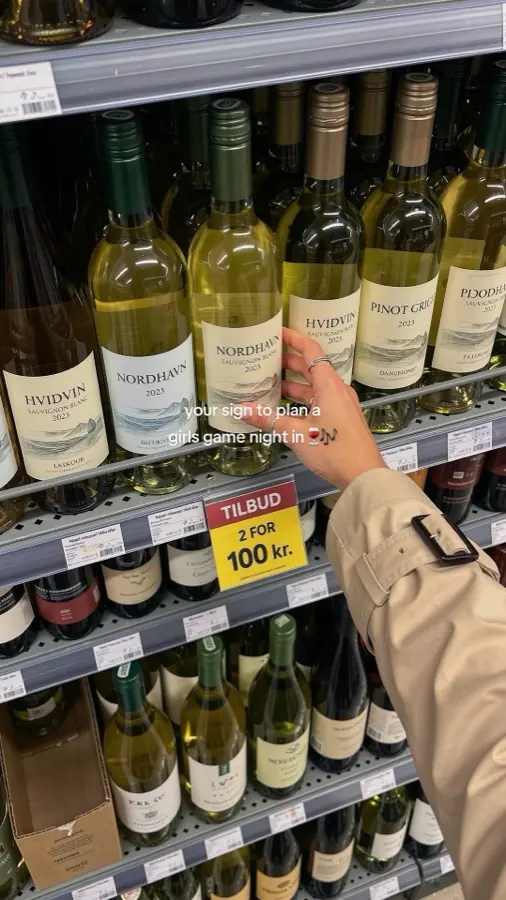
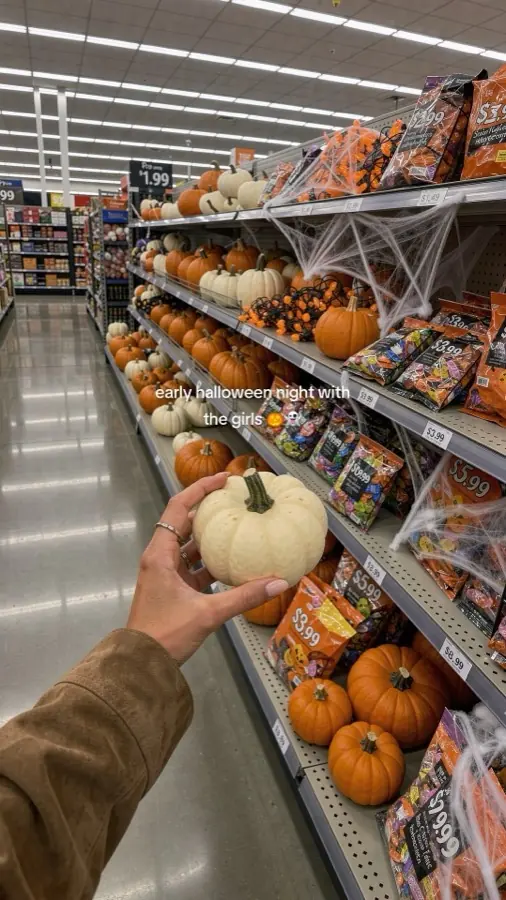
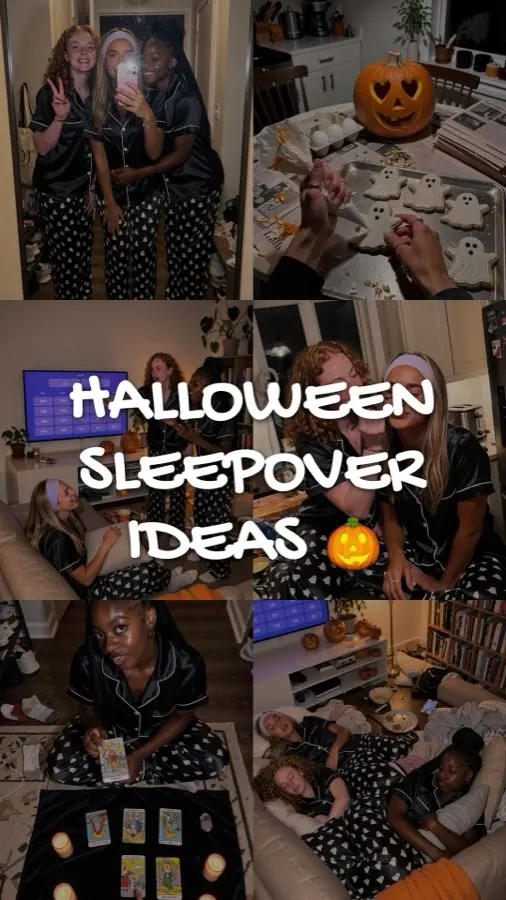
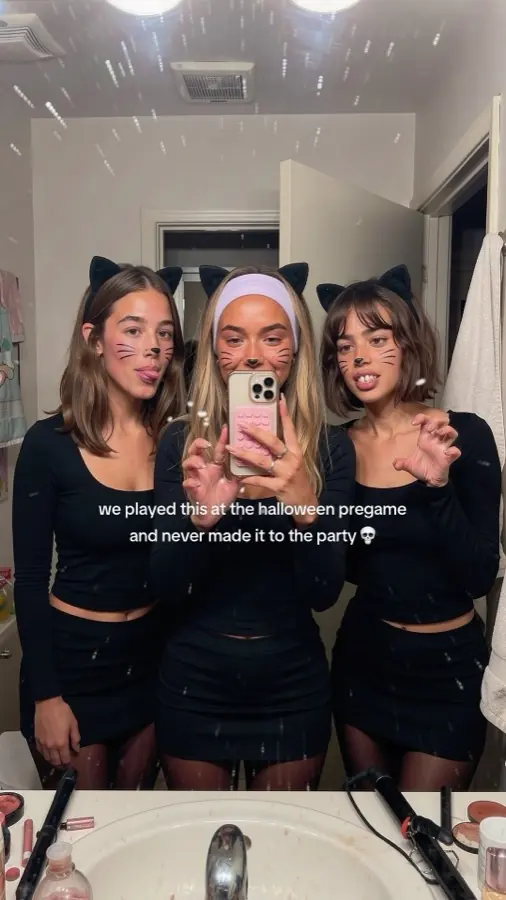
This is how we market Dronk, our own party game app. The account belongs to Maya, who plans sleepovers and game nights with the same friends. The game turns up on a TV or a phone in some slides; the night is always the post. In ClonBot you pick the creator from a library of faces, and friends and family are cast per post from 100+ people.

As a brand page An app icon used as the profile photo @dronkapp

The party game app. New games every week. Download now.

As a creator account Maya, the creator on the account @maya.dronk

copenhagen. game nights every weekend, sleepovers when we can.

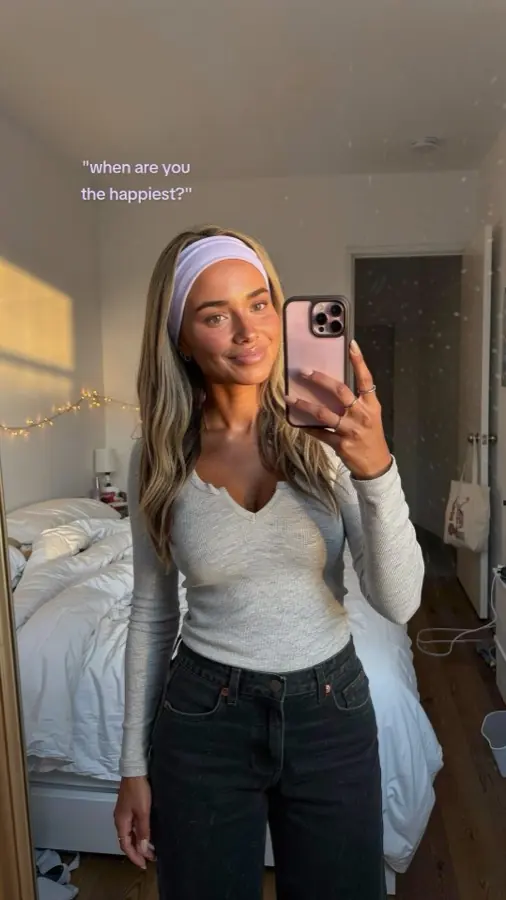
Cover: girls game night in Cover: an early Halloween night Cover: sleepover ideas Cover: a Halloween pregame Cover: night out missions Cover: when are you the happiest?

Same app, two profiles. Only one of them looks like an account you'd follow. The covers on the right are from Maya's posts.

Step 2Start from formats that already won.

A format is a post's structure: the hook, the slide count, what each slide does, the text style. Instead of inventing posts, copy the structure of a slideshow that already went viral in your niche or a nearby one and write a new story into it.

FormatReachmedian viewsSavesshare of viewersCommentsper million views
Quotes6.2M2.9%421
Recipe6.0M4.5%177
Story5.8M1.4%481
Relatable5.0M1.3%513
Photo dump3.7M3.3%298
Checklist2.8M5.1%293
Guide2.5M5.0%232
Tips list2.3M4.1%329

Medians by format type across the 1,332 viral slideshows in the ClonBot library. Red marks the leader in each column.

For reach

Quotes, recipes and stories pull the most views. Good for a new account that needs to be seen.

For saves

Checklists and guides are saved by about 1 in 20 viewers. A saved post gets opened again, and so does the app on slide five.

For comments

Relatable posts and stories start conversations. For an app, "what app is that?" is the comment you want.

Mix all three through the week. Starting points: slideshow ideas, templates with their numbers and hooks that work. Formats travel: a budget app fits a travel list as well as a money post.

Four formats from the library an app could ride. Tap one to swipe it.

Step 3Put the app inside the story.

The app should be one moment in a story the viewer already wants: the scan in the supermarket, the tracker next to tonight's plate. Show the real screen in someone's hand, and keep the app's name out of the overlay text. Viewers who want it ask in the comments, and your reply is the conversion.

The app as the evidence

A "read your labels" exposé. Slides two and three are the scanner's verdicts on her breakfast and face cream; the rest is what she changed.

Remade for Yuka. Original: 18.8M views

The app as the payoff

A cycle-syncing guide, one plate per phase. The last slide answers the obvious question, how she knows her phase, with the tracker in her hand.

Remade for Flo. Original: 950K views

Examples made by ClonBot to show what it does. We're not affiliated with these apps.

540

of the app notes in our library say it outright: the app goes anywhere but the cover and the hook. The hook sells the story.

1 in 10

viral formats (126) have no honest spot for an app in the slides. Put it in the caption or a pinned comment, or pick another format.

558

of the 1,332 "why it worked" notes point to the comments. Reply to every "what app?" yourself, by name.

Which formats suit which kind of app, with counts per category, is on TikTok slideshows for apps. ClonBot shows your real screens on the phone, taken from your App Store link or screenshots, or by a coding agent from your Swift app in the simulator.

Step 4Post every day for the first 14 days.

Most posts get ordinary views, a few take off, and nobody can tell which in advance. Volume is how you find out. This is the two-week start we'd give a new app account. Tap a day.

  1. Create a personal account, add the creator's photo and a bio written as her. Follow 20 or so accounts in the niche and watch their posts all the way through. No posting yet.

  2. Scroll the niche for 20 minutes and save every slideshow you'd have stopped for. That shortlist becomes your first posts.

  3. Write four posts from the shortlist, each a different format type. The app goes on one slide in each, never the cover.

  4. One slideshow in the evening, with a trending sound. Don't refresh the views every hour; a new account's first days say little.

  5. One post, a different format type from yesterday. You are testing formats, not polishing one post.

  6. One post. Reply to every comment as the creator. When someone asks what app it is, name it; that reply is where installs come from.

  7. One post. Start a log: format, hook, views after 48 hours.

  1. Move to two posts a day, around lunch and in the evening. Keep mixing format types.

  2. Two posts. Make next week's posts in one sitting, so a busy day never breaks the streak.

  3. Two posts. Take the median views of everything so far: that is the account's usual. Mark any post that did three times that or more.

  4. Two posts, one of them your best format again with a new story. Never repost the same slides.

  5. Two posts, one a remake. Open a second account in a nearby niche with a different creator and warm it up.

  6. Two posts on the main account, warm-up on the second. Comments tell you what viewers want next.

  7. Two posts, then a review. Keep the formats that beat your usual, drop any that came in under it twice, and plan week three around the winners.

Day 1: set up the account

Create a personal account, add the creator's photo and a bio written as her. Follow 20 or so accounts in the niche and watch their posts all the way through. No posting yet.

  • A new post
  • A remake of your best format
  • Second account warming up

This plan is 18 posts in two weeks. ClonBot's Starter plan makes 60 a month, two a day, built each night for the day after tomorrow. Posting by hand? Read how to schedule TikTok posts.

Step 5Read every post against your account's usual.

20,000 views is a flop on one account and a breakout on another. Compare each post with the account's usual, the median of its recent posts, to see which formats to make more of.

What to do at each level

Views after 48 hours, as a multiple of the account's usual.

1×
Ordinary

Most posts land here. Leave them up; they still feed the account.

3×
A signal

Make two more posts on this format, with new stories.

10×+
A breakout

Repeat the format through the week, try it on a second account, and consider putting ad money behind the post.

122×

The median viral slideshow from an account that usually got 10,000+ views did 122 times its usual. A real hit is not a little above average.

95%

of those 463 posts did at least 10 times the account's usual. If you're unsure whether a post broke out, it didn't yet.

189

viral slideshows in the library came from accounts whose usual post got under 1,000 views. A small account is not a reason to wait.

ClonBot's Results page does this comparison for every post, against the account's usual views, so you can see which formats to like more of in the library.

Step 6Double down, then add accounts.

Remake the winner, don't repost it

When a format beats your usual, keep its skeleton (hook style, slide rhythm) and change the moment, the people and the place. Reposted slides tend to do worse the second time. A format that misses your usual twice gets swapped for the next on your shortlist.

A second account in a nearby niche

Once one account works, a second creator with a different angle reaches people the first never will: a study app might run one account on exam season and one on a student's routine. Keep posting on the accounts that take off and retire the rest. For a wider view of channels beyond TikTok, see how to market an app.

Common questions, answered.

How do I market my app on TikTok for free?

Post organically: a personal account run by a creator in your niche, one to three slideshows a day built on proven formats, the app on one slide, and replies to every comment. It costs time instead of ad money. The try field above gives you three post ideas for your app, free and without sign-up.

Does TikTok marketing work for apps?

Best for consumer apps that fit an everyday moment: eating, saving, studying, training, dating, a night in. Results come from volume. Apps without a visual moment, like many B2B tools, find it harder; see TikTok slideshows for SaaS.

How much does it cost to advertise an app on TikTok?

TikTok ads run on a budget you set, and what you pay per install depends on your app, audience and creative. Organic posting costs only the time to make posts. With ClonBot, posts are made for you from $99 a month for 60 posts, about $1.65 a post; see pricing.

Should I use a personal or a business account?

For organic app marketing, a personal account run as a creator usually works better. It looks like the accounts people already follow, and business accounts are limited to TikTok's commercial sound library, which leaves out many trending sounds.

How long does it take to see results?

Give it two weeks of daily posting: enough to know your account's usual and which formats beat it. A breakout can come on any day, so consistency matters more than any single post.

How do people get from a TikTok to my app?

Mostly through the comments: someone asks what app it is and the creator names it. You can also mention the app in the caption or a pinned comment, and add a link to your profile once your account has access to bio links.

Your first two weeks of posts, planned tonight.

Setting up your app and creator is free. Plans from $99 a month for 60 posts.