The TikTok slideshow maker that starts from what already went viral.
Most slideshow makers give you an empty canvas. ClonBot starts from one of 1,332 slideshows that already got millions of views, remakes it with your own creator and your real app screens, and posts it to your TikTok.
Free, no sign-up. Three slideshow ideas for your app in about 20 seconds.
A canvas doesn't tell you what to post.
Editors like CapCut, Canva and TikTok's own photo mode are good at putting text on photos. The hard part is everything before that: the idea, the hook, the photos and the order they go in.
A blank slideshow editor
Six empty slides, a font picker and a music library. The idea, the photos and the story are up to you, every single day.
A slideshow made by ClonBot
Built on a "Halloween sleepover ideas" post with 3.5M views, then rewritten for a party game app. The game is on the TV in slide six.
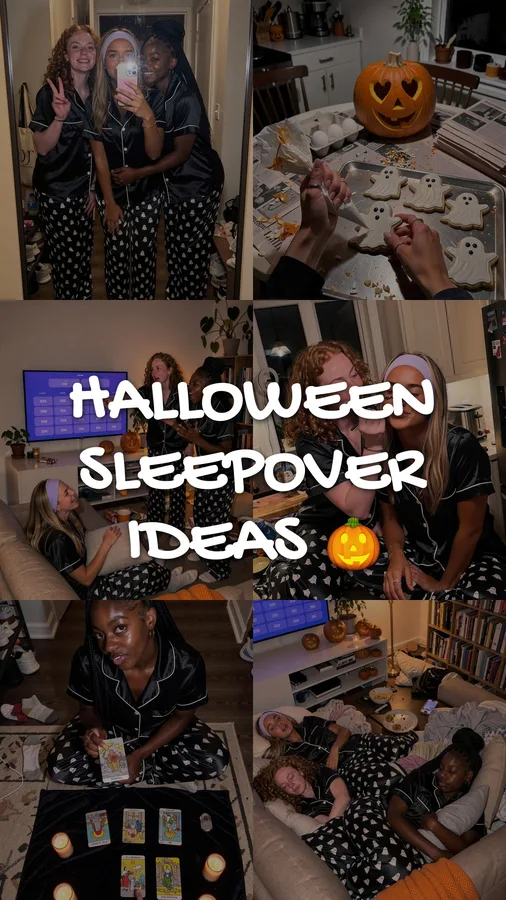
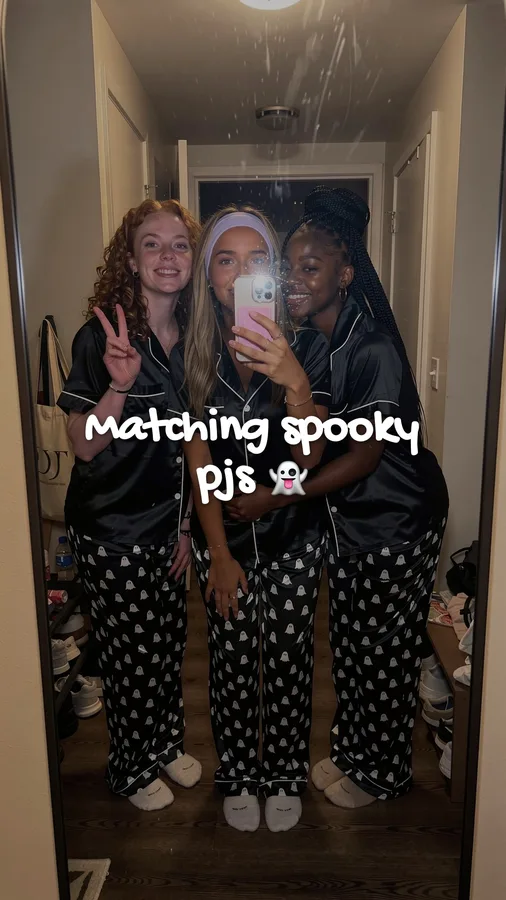
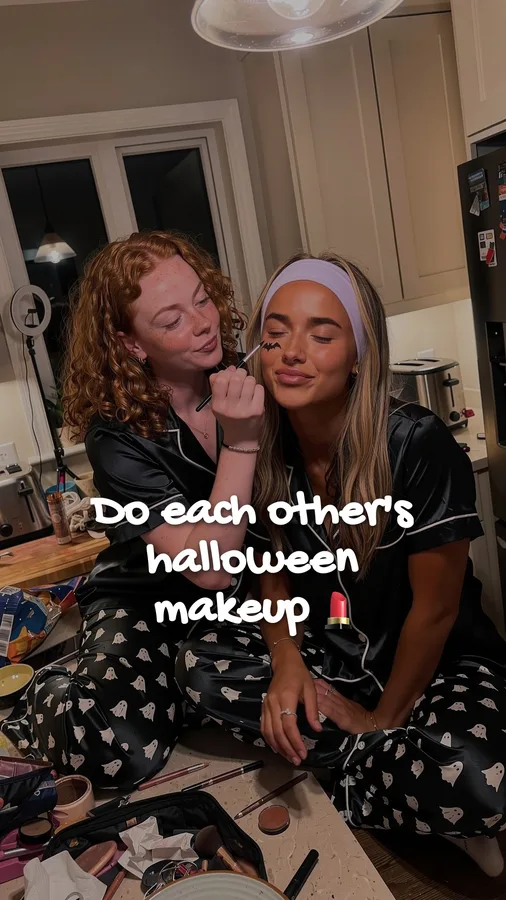
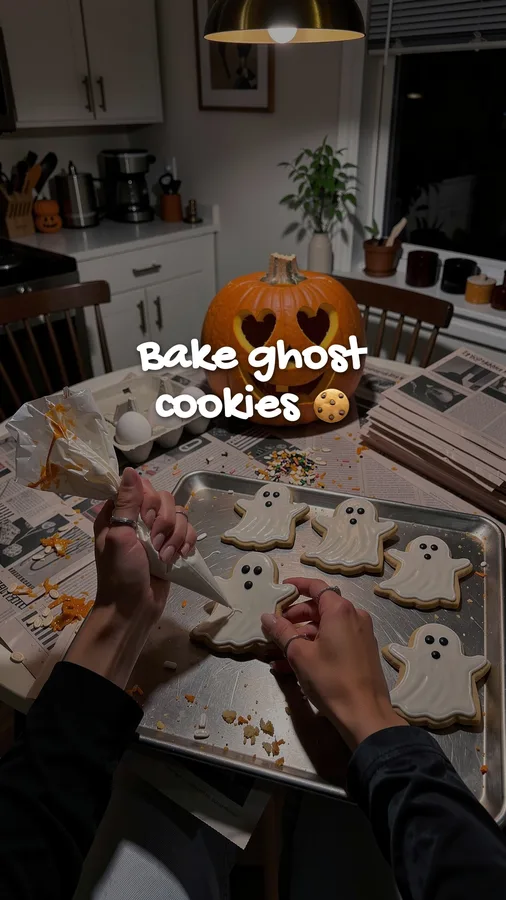
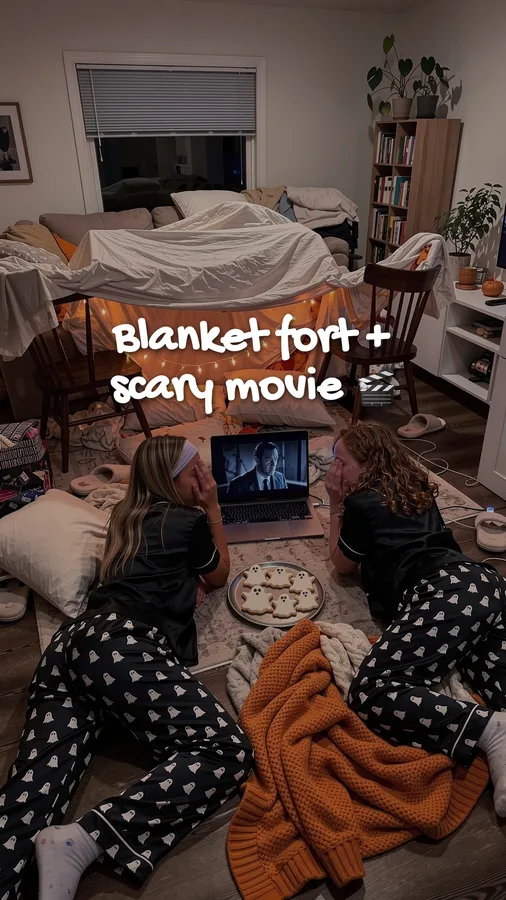
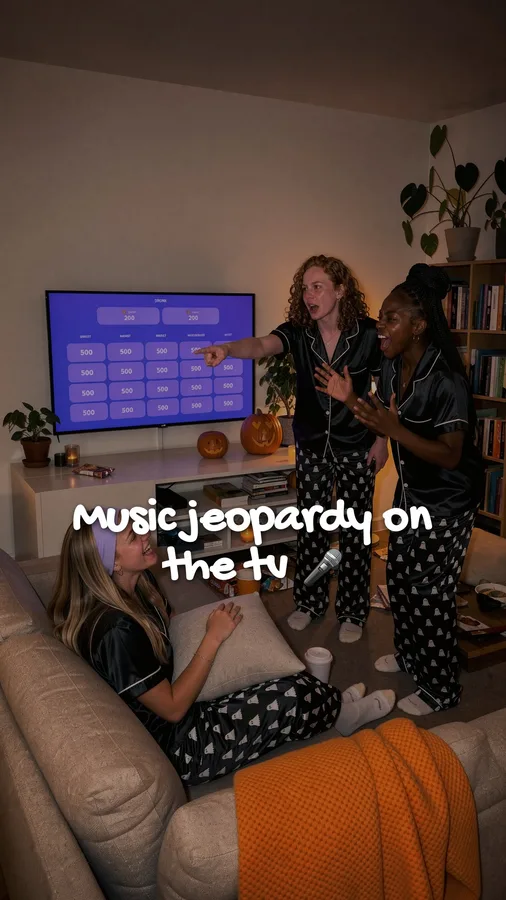
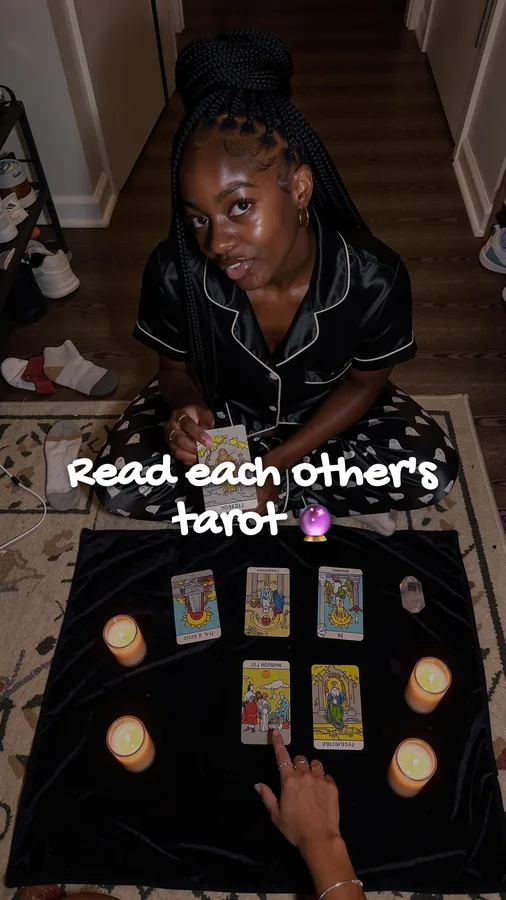
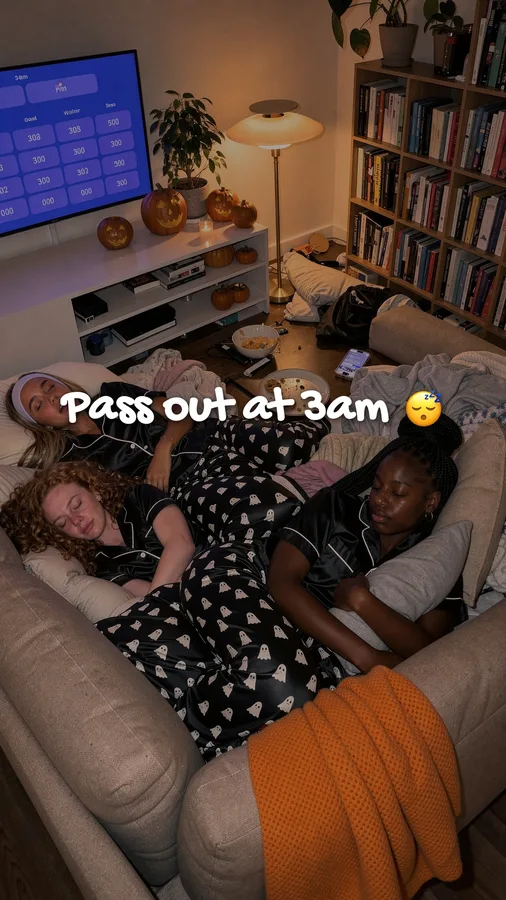
From a viral format to a posted slideshow, in four steps.
You set up your app and your creator once. After that, each slideshow goes through the same four steps, and only one of them needs you.
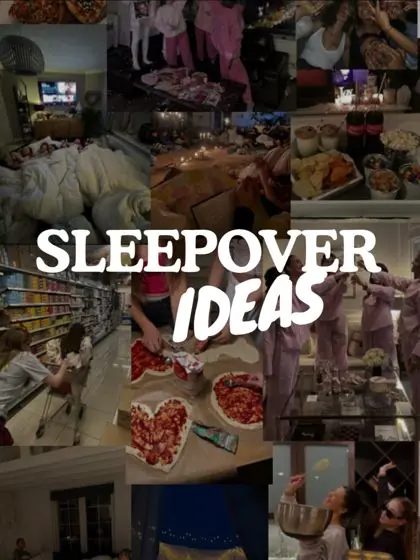 3.5M views · 6 slides
A format that already won
Like formats in the library, or let autopilot pick them. Each one keeps its real views and saves, so you know why it's there.
A new story for your app
The hook, slide rhythm and text style stay. The story is rewritten so your app shows up where it belongs, as one moment in it, not an ad.

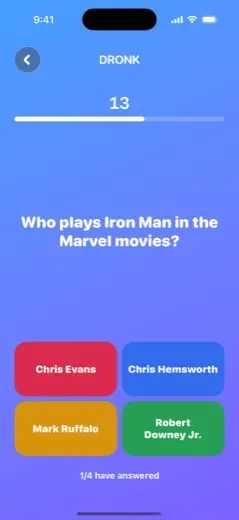
Your creator, your real screens
The same face in every post, friends cast per post, and the phone in her hand shows your actual UI, never drawn-on buttons.
Approved, then posted
Fix any slide by typing what should change. Approved posts go to your TikTok at your times, or to your drafts if you'd rather press post.
What 1,332 viral slideshows say about making one.
We keep the numbers for every format in the library. A few patterns hold across all 21 niches, and the slideshows ClonBot makes follow them.
Median saves as a share of views, by slide count, across the 1,332 formats in the ClonBot library.
Slideshows in that range get saved more than twice as often as one-to-three-slide posts. Enough room for a payoff, short enough to finish.
Guides and checklists are the most saved formats (5.0% and 5.1%). Stories and quote posts pull more views but far fewer saves.
The median hook on slide one. Short enough to read before the thumb moves on.
Six formats from the library. Tap one to swipe through it.
Same format. A different app, a different person.
On the left, a "you look happier" post with 12.2M views. On the right, the remake ClonBot wrote for a calorie-tracking app: same hook and rhythm, a new creator, the app in her hand on the slide where it fits.
Six slides of what she eats in a day, captioned like a friend talking.
Same voice and pacing. The meals, the person and the photos are new, and the app scan is one of the slides.
Example made by ClonBot to show what it does. We're not affiliated with Cal AI.
How it compares to other ways of making slideshows.
Each option is right for someone. This is where they differ if you need a steady stream of posts for an app.
| ClonBot | Editor apps (CapCut, Canva, TikTok photo mode) | Template slideshow generators | Hiring a creator | |
|---|---|---|---|---|
| Where the idea comes from | A format that already went viral | You | A template or a prompt | The creator's brief, from you |
| Photos | New photos of your own creator | Your camera roll | Stock or generated images | The creator's own |
| Your app in the post | Real screens, inside the story | If you add them | Usually a last slide | If they film it |
| Posting | Posts for you, or to drafts | You post | Some schedule | They post, once |
| Cost per post | From about $1.65 | Free, plus your time | Low | $100 to $300+ |
ClonBot's $99 plan includes 60 posts a month. Creator rates vary widely by niche and audience size.
Questions before you start.
Can you make a slideshow on TikTok without another app?
Yes. In the TikTok app, tap +, choose photos from your library, and TikTok turns them into a photo slideshow you can add text and a sound to. A slideshow maker like ClonBot is for the part TikTok doesn't do: coming up with posts that work, making the photos, and doing it every day.
What is the best TikTok slideshow maker?
For one post from your own photos, TikTok's photo mode or CapCut is enough. If you need slideshows for an app every day, you want a tool that starts from proven formats and puts your real app inside the story, which is what ClonBot is built for.
How many slides should a TikTok slideshow have?
In our library of 1,332 viral slideshows, posts with 4 to 9 slides had the highest save rates, around 3.9%, against 1.5% for posts with one to three slides. The median viral slideshow had 8 slides.
Is ClonBot free?
Trying it is free: type your app above and you get three slideshow ideas for it without signing up. Setting up your app and your creator is free too. Plans that make and post slideshows start at $99 a month for 60 posts.
Do I need an app to use it?
ClonBot is built for app makers, so the stories are written around an app. The format library covers 21 niches, though, so creators and brands use it to run accounts in those niches too.
Can I change a slide I don't like?
Yes. Type what should be different, like "make the pumpkin bigger", and only that slide changes. Nothing is posted until you approve it.
Keep reading
Your next slideshow already went viral once.
Setting up your app and creator is free. Plans from $99 a month for 60 posts.