TikTok Spark Ads, for apps: boost the post that already won.
TikTok Spark Ads let you pay to show an organic post to more people, under your own account. For an app, the smart move is to post a lot for free, let the views pick the winner, and only then put money behind it.
Free, no sign-up. Three slideshow ideas for your app in about 20 seconds: the posts you'd later spark.
What are Spark Ads?
Spark Ads are TikTok ads that run an existing organic post, yours or a creator's, instead of a separate ad upload. The ad shows the real account, and the views, likes, comments, shares and follows it earns stay on the original post.
You make them in TikTok Ads Manager from a linked account or with a spark code, the authorization code a creator generates for one post. They run in the same auction as other in-feed ads, with the same objectives, including app promotion. Everything below is as of October 2026, checked against TikTok's own business help pages.
One post, before and after you spark it.
A Spark Ad is still the same post. What changes is who sees it, and a few ad parts added on top.
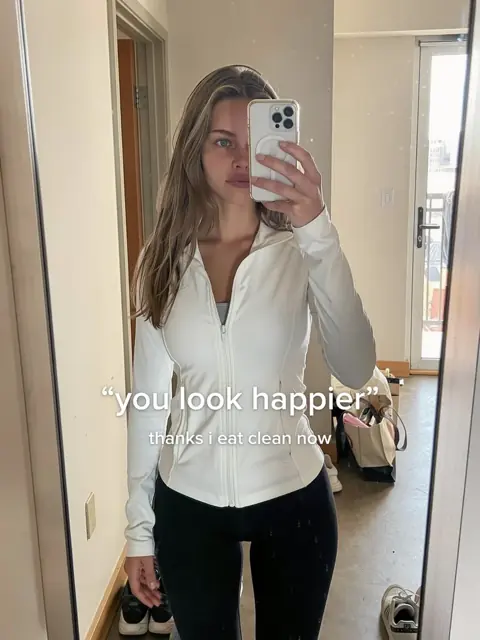
- Stays the same
- The account name, photo, caption, sound and slides. Its likes and comments are visible, and new ones are added to the organic post.
- Gets added
- A Sponsored label and a call-to-action button, such as Download, that opens your App Store or Play page.
- Gets locked
- You can't edit the caption once the post is authorized as an ad, and it can't be made private or deleted while it's running.
Example made by ClonBot to show what it does; the counts are illustrative. We're not affiliated with Cal AI.
Spark Ads vs regular in-feed ads.
Both show up in the For You feed and both are bought the same way. The difference is where the creative lives and where the engagement goes.
| Spark Ads | Regular (non-Spark) in-feed ads | |
|---|---|---|
| The creative | A post that's already on a TikTok account | A video or images uploaded to Ads Manager |
| Shown as | The real account; a tap opens its profile | A display name and picture you set for the ad |
| Likes, comments, follows | Go to the organic post and account | Stay on the ad |
| Social proof on day one | Whatever the post already earned | None |
| Creative you can test before paying | Yes: post it organically first | No: every test is paid |
How paid and organic channels fit together for an app overall is on user acquisition for apps.
How to set up Spark Ads: the code, the account link, the rules.
There are three ways to get a post into Ads Manager. For an app running its own creator accounts, linking the account is simplest. For a creator you pay, ask for a spark code.
Get a spark code in the TikTok app
The account that posted it does this, per post.
- Open the post, tap the three dots (or Share) and choose Ad settings.
- Turn on Ad authorization and pick how long the code lasts.
- Tap Generate code, copy it and send it to the advertiser.
- In Ads Manager: Tools, Creative library, Spark Ads posts, Apply for authorization, and paste the code. Then pick the post when you build the ad.
- 7 days
- 30 days
- 60 days
- 365 days
Or skip the code
Codes are for posts on accounts you don't control.
- Link the TikTok account
- Link your own creator account to Ads Manager and its posts show up under TikTok posts when you add a creative. No code per post.
- Authorize through Business Center
- Agencies and teams with several accounts get ad delivery permission for an account once, then pull or push posts.
- Batch codes
- Working with many creators? Ads Manager takes up to 20 codes at once.
Posts that can't be sparked
- Private posts. The post must be public.
- Story posts and duet carousels.
- Posts tagging several other posts.
- Banned posts or posts that broke community rules.
- Expired codes, or a code that ends before the ad does. Extend it before it lapses.
- Duets and stitches need codes from both creators.
Spark Ads objectives, including app installs.
A Spark Ad is a creative, not a campaign type, so it works with most objectives. Bought in the auction, that includes app promotion.
- Reach
- Traffic
- Video views
- Community interaction
- App promotion
- Conversions
- Lead generation
- Sales
All eight take Spark Ads in the auction; Reach & Frequency buys only take Reach, Traffic and Video views. For an app, pick app promotion: the ad gets a Download button and TikTok optimises for installs or in-app events, once your app and its tracking are set up in Ads Manager.
Spark Ads or the Promote button?
Promote is the boost button in the TikTok app: a post, a goal like more views or followers, a budget, a few days. Quick, but not built for installs. Spark Ads run in Ads Manager, with app promotion, targeting and tracking. Promote nudges a post; Spark Ads buy installs.
Can photo slideshows be Spark Ads?
Most guides only cover videos. As of October 2026, TikTok's help pages list Spark Ads as supported for Standard Carousel (image) ads, and its list of posts that can't be sparked names only duet carousels, not photo posts in general. TikTok doesn't say "photo mode posts can be sparked" in so many words, so check your post before you budget for it:
- See whether the slideshow shows up in the TikTok posts tab when you add a creative in Ads Manager.
- Or open the post in the app and look for Ad settings with Ad authorization.
- If it doesn't appear, remake the winning slides as a carousel ad, or turn them into a short video.
Slideshows suit Spark Ads because they're cheap to make in volume: you can test far more hooks for free than you could pay to test. And a cover that made people swipe organically is the strongest ad opening you have.
The organic-to-paid loop: let the views pick what you pay for.
Nobody can tell in advance which post will take off. Organic posting finds out for free; Spark Ads only come in once a post has proved itself.
Post a lot
One to three slideshows a day, each a different hook, with the app on one slide inside the story.
Cost: making the postsRead at 48 hours
Divide each post's views by the account's usual: the median of its recent posts. Most land near 1×.
Cost: nothingSpark the outlier
Only posts several times the usual, with saves and "what app?" comments. Start on a small test budget.
Cost: from $20 a dayRemake the winner
New people and a new moment on the same hook and slide rhythm. That feeds the next round.
Cost: making the posts
then back to step one
What a post worth sparking looks like in our data.
We know the account's usual views for 1,319 of the 1,332 viral slideshows in the ClonBot library. A real winner is not a little above average, even on big accounts.
Median views divided by the account's usual views, by the size of that usual, across 1,319 viral slideshows in the ClonBot library. Log scale.
Even on accounts that already got 100,000+ views a post, nine in ten of their viral slideshows did at least 6.4 times the usual. A 1.5× post is a good day, not a winner.
The median save rate across 1,299 viral slideshows with saves data; the top quarter starts at 5.2%. Saves are a sign of intent, which matters more for installs than raw views.
Four slideshows that beat big accounts' usual. Tap one to swipe it.
Which post should you spark? Score it.
Put in your account's usual and one post's numbers. The scorecard reads it the way we'd read it, and estimates what a short app install test could bring at prices you set.
Spark it
- Views vs your usual
- –
- Save rate
- –
- App questions per 10K views
- –
How it decides: under 3× your usual isn't a winner yet, 3× is a candidate, 10× a breakout. Saves of 3.5% or more (the median of 1,299 viral slideshows with saves data) or three or more app questions turn a candidate into "spark it". The estimate is plain arithmetic on your assumptions: budget ÷ CPM × tap rate × install rate. Real prices vary by country; see TikTok ads cost.
How much do Spark Ads cost? The short version.
There's no extra fee for the Spark format. You bid in the same auction as any in-feed ad and pay for impressions, clicks or installs, depending on how you optimise.
a day per campaign, TikTok's minimum daily budget in Ads Manager.
a day per ad group. A lifetime budget needs at least $20 times the days it runs.
to the creator from TikTok. If you spark someone else's post, what you pay them is between you.
Minimums as of October 2026, from TikTok's Ads Manager help. CPM and cost per install by country are on TikTok ads cost.
Where ClonBot fits: the posts you'd spark.
The loop needs a steady supply of organic posts. ClonBot makes them: photo slideshows built on 1,332 formats that already went viral, with one creator and your app's real screens in the story, posted at your times after you approve them. Results compares every post with the account's usual, the number the scorecard needs. From $99 a month for 30 posts (pricing); the posting plan is in how to market an app on TikTok.
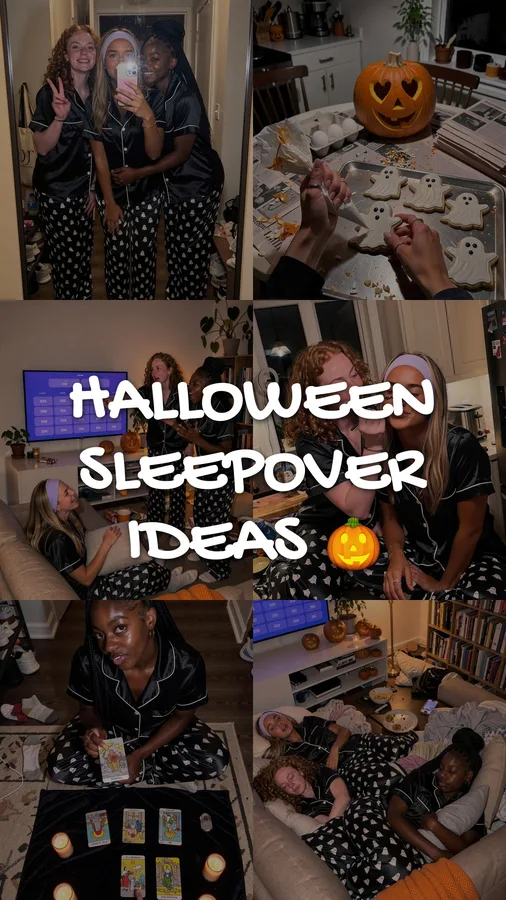 halloween sleepover ideas41.2K9.8×
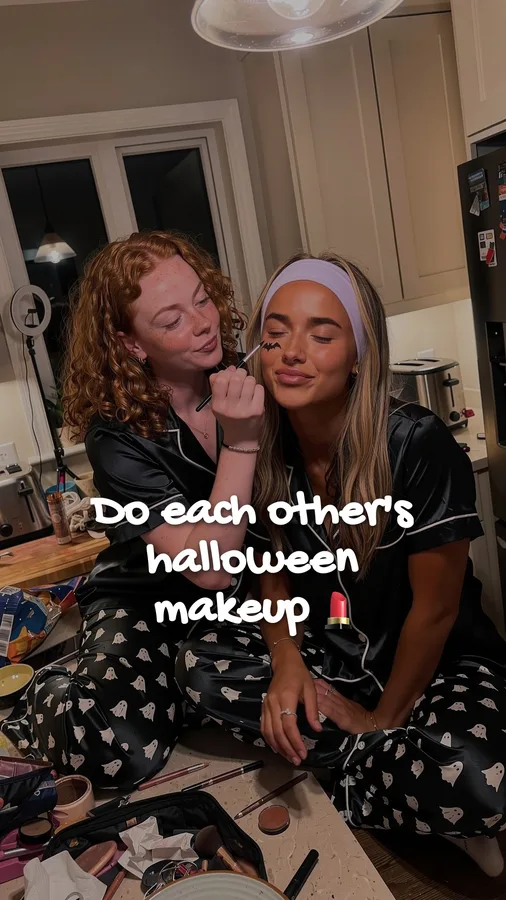 things we do at every sleepover4.6K1.1×
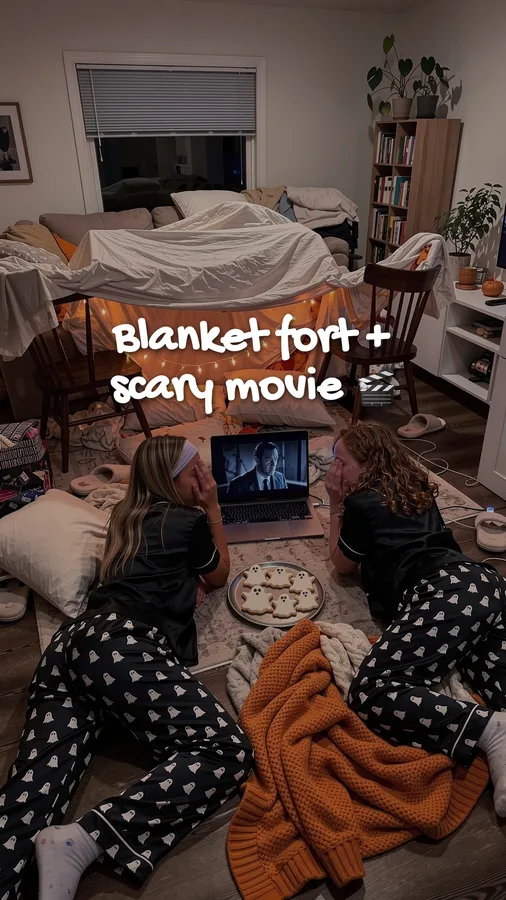 game night with the girls3.4K0.8×
 pov: you planned the whole night10.9K2.6×
Illustrative numbers. The red row is the one you'd score above.
Spark Ads questions, answered.
What is a spark code on TikTok?
A spark code (TikTok calls it a video or post code) is an authorization code a TikTok account generates for one of its posts, under Ad settings in the app. Pasted into Ads Manager, it lets an advertiser run that post as a Spark Ad for the time chosen: 7, 30, 60 or 365 days. Codes that are never used expire after a year.
How much do Spark Ads cost on TikTok?
The same as other in-feed ads: you set a budget and bid in the auction. As of October 2026 the minimum is more than $50 a day per campaign and $20 a day per ad group. Prices per view or install depend on country, audience and creative; see TikTok ads cost.
How do I turn on Spark Ads on TikTok?
On the post, tap the three dots or Share, choose Ad settings and turn on Ad authorization. You can then generate a code for an advertiser. To turn it off, go back to the same setting; a post can't be deleted while it's authorized as an ad, so remove the authorization first.
Do I get paid for Spark Ads?
Not by TikTok. When a brand runs your post as a Spark Ad, any payment is agreed between you and the brand. The engagement the ad brings, including follows, does land on your account.
Does TikTok still do Spark Ads?
Yes. As of October 2026 Spark Ads are in TikTok Ads Manager for manual, search and Smart+ campaigns, with up to 10,000 Spark Ads per ad account.
Is it worth advertising an app on TikTok?
Once you have a creative that works and know what a user is worth. Sparking a post that already beat your usual is a cheap first step; work out your break-even cost per install on user acquisition for apps.
Should I spark a post or make a new ad?
Spark it if it clearly beat your account's usual and people asked about the app. If nothing has yet, keep posting. What counts as a hit for your account size is on how many views is viral on TikTok.
Keep reading
Make the posts first. Spark the one that wins.
Setting up your app and creator is free. Plans from $99 a month for 30 posts.